
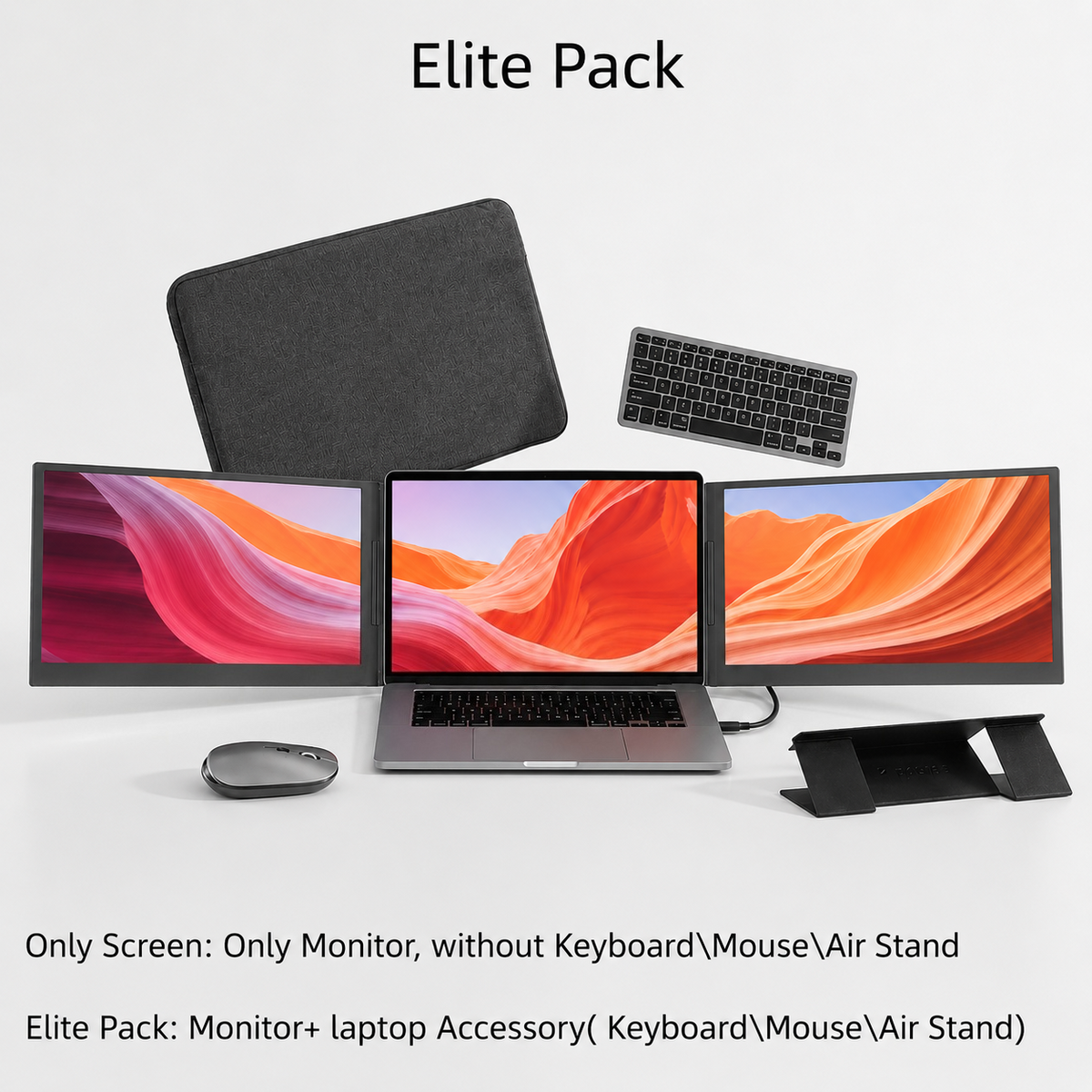
Short content about your shipping rates or discounts.
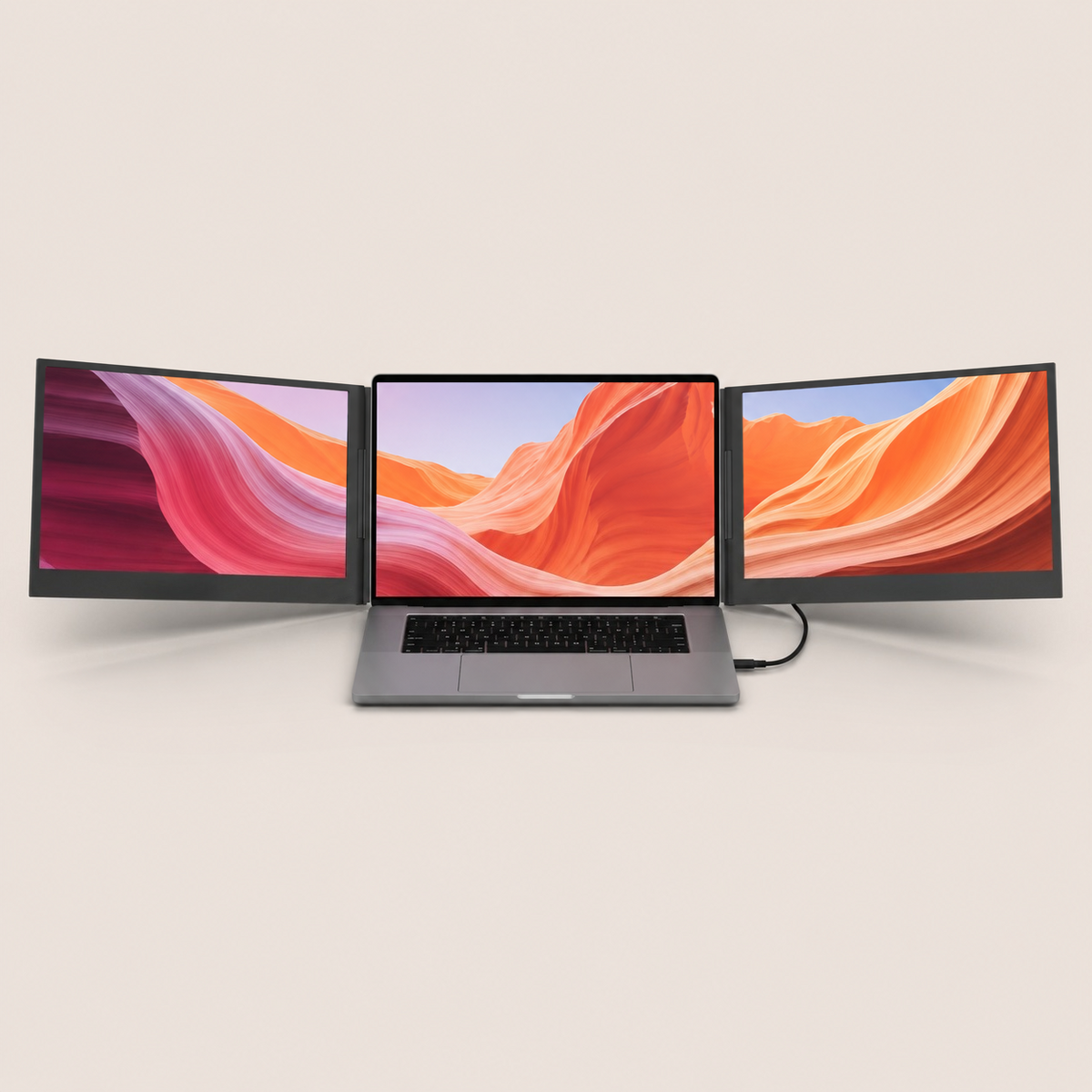
Flexpire Tri-screen Pro 16″ Laptop Screen Extender
Flexpire Triple Premium 16-Inch Laptop Screen Extender with Dual IPS Displays, One-Cable USB-C Setup, Anti-Glare Screens, 360° Rotation & Portable Professional Workstation for MacOS and Windows
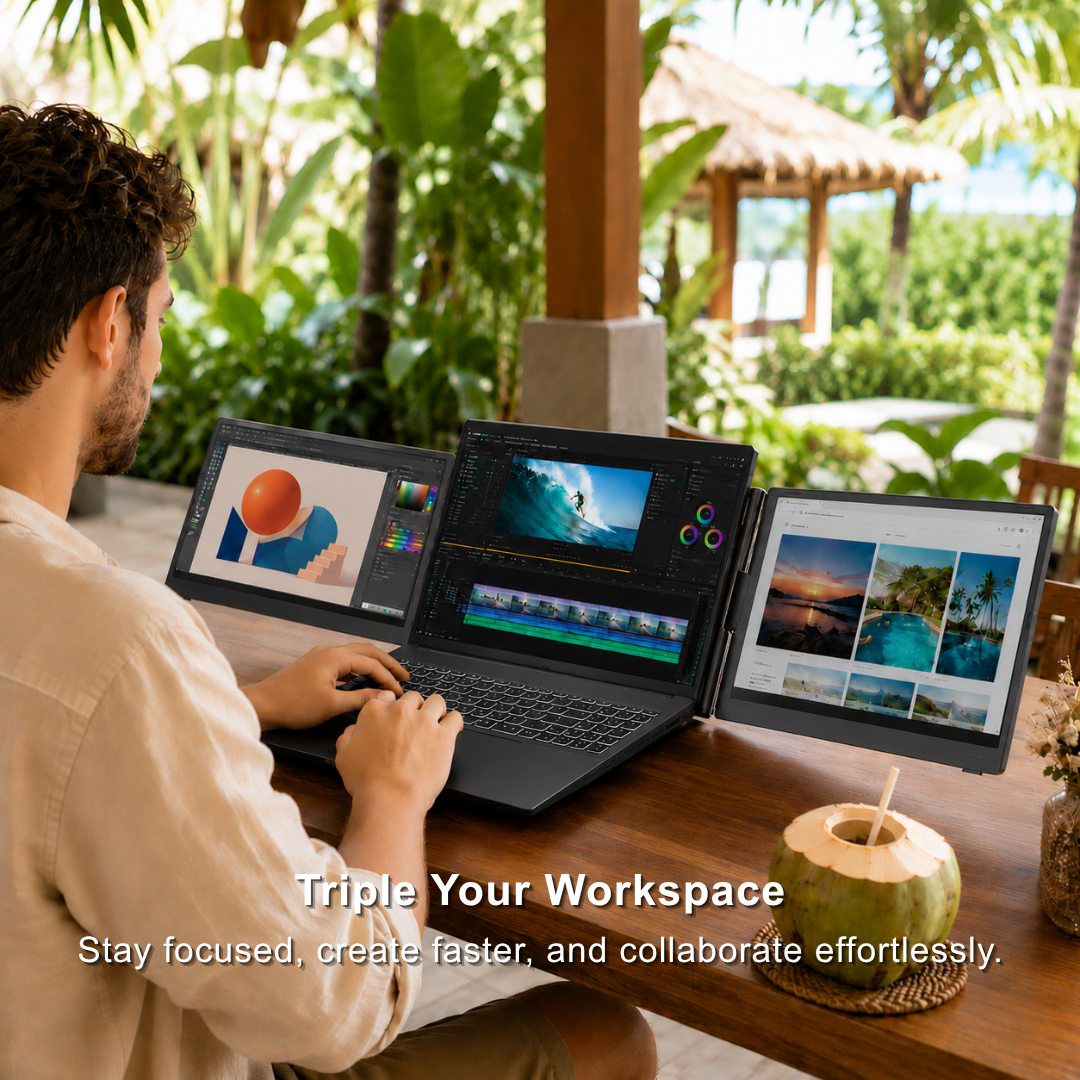
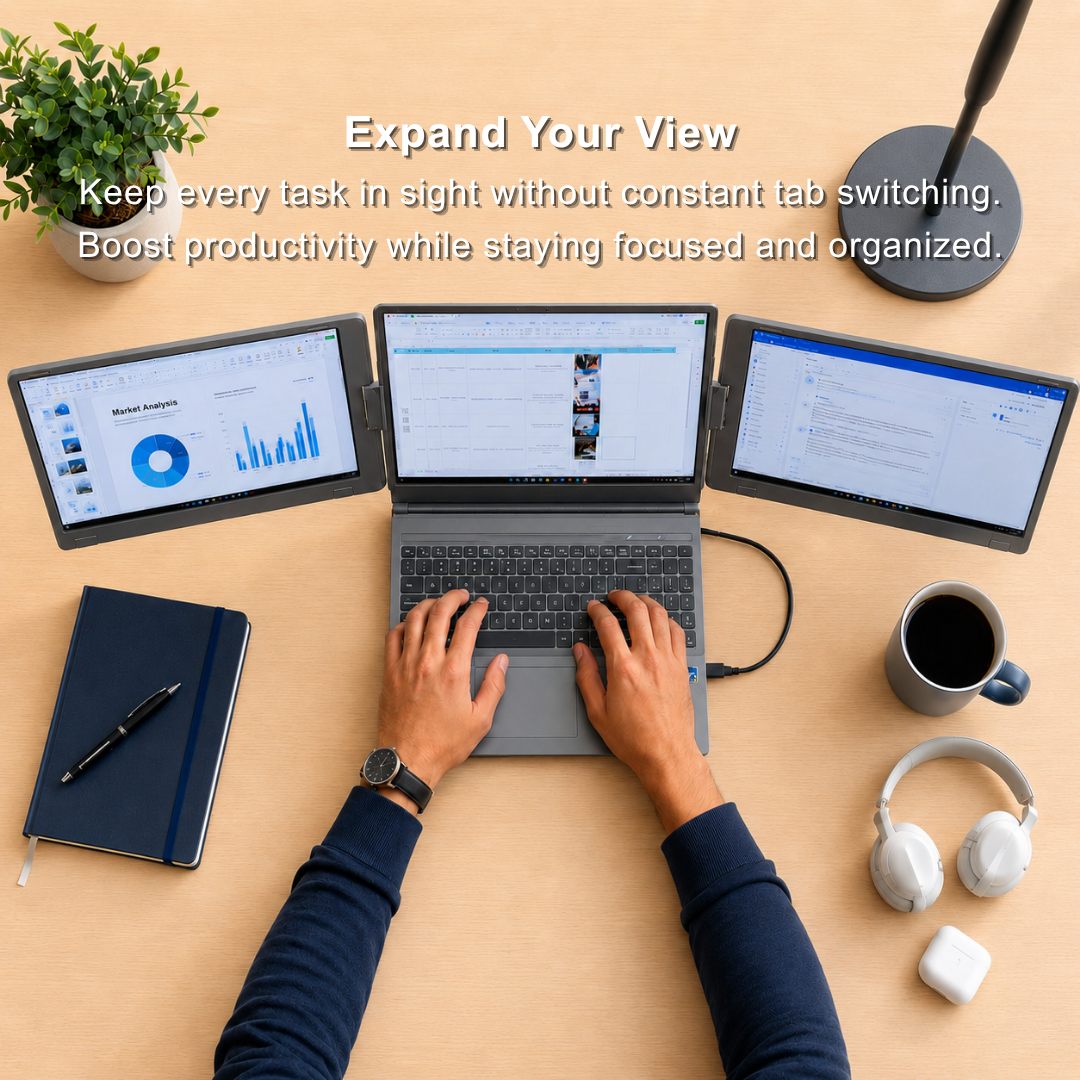
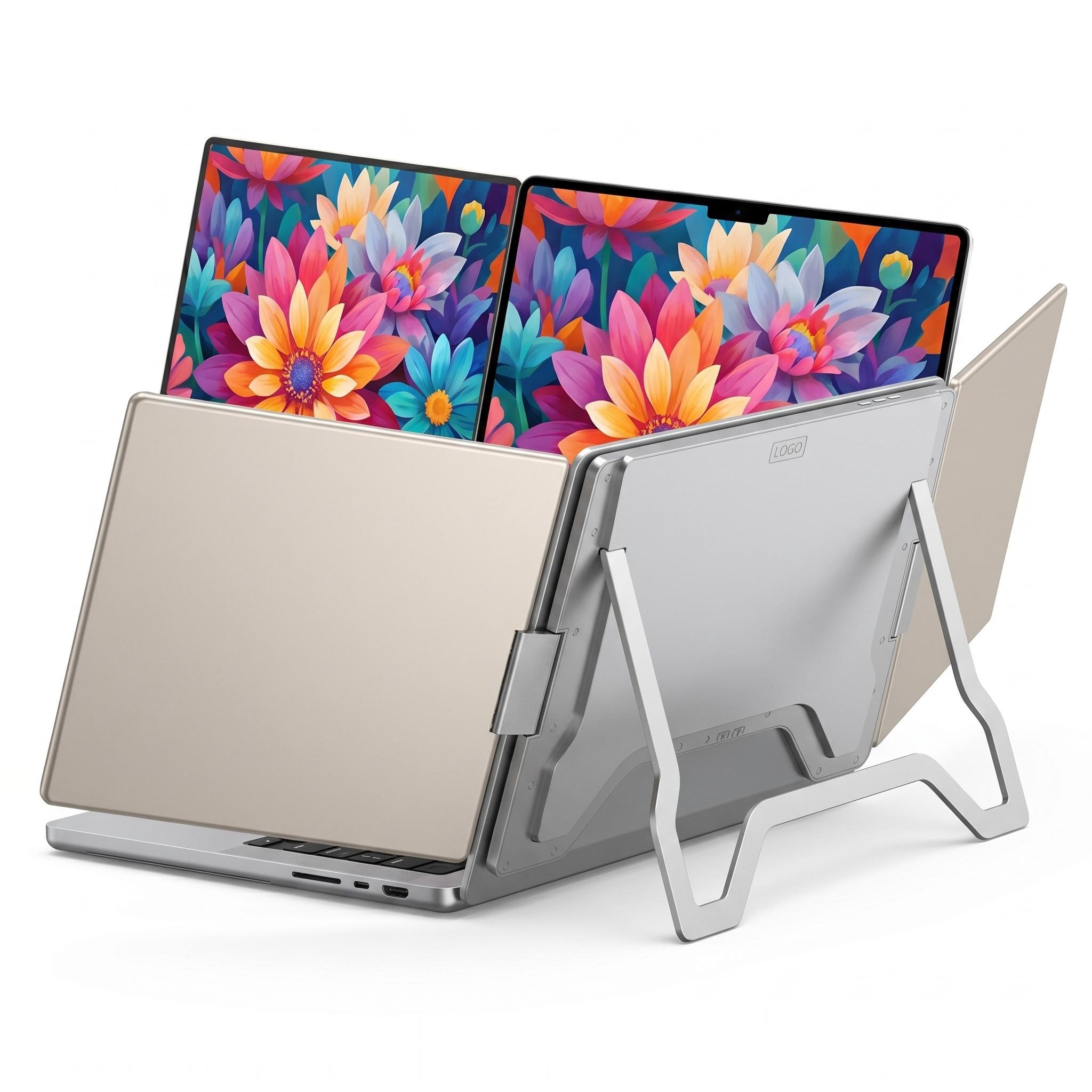
Triple Your Workspace--Expand your laptop into a triple-screen setup and handle multiple tasks without constantly switching between tabs.
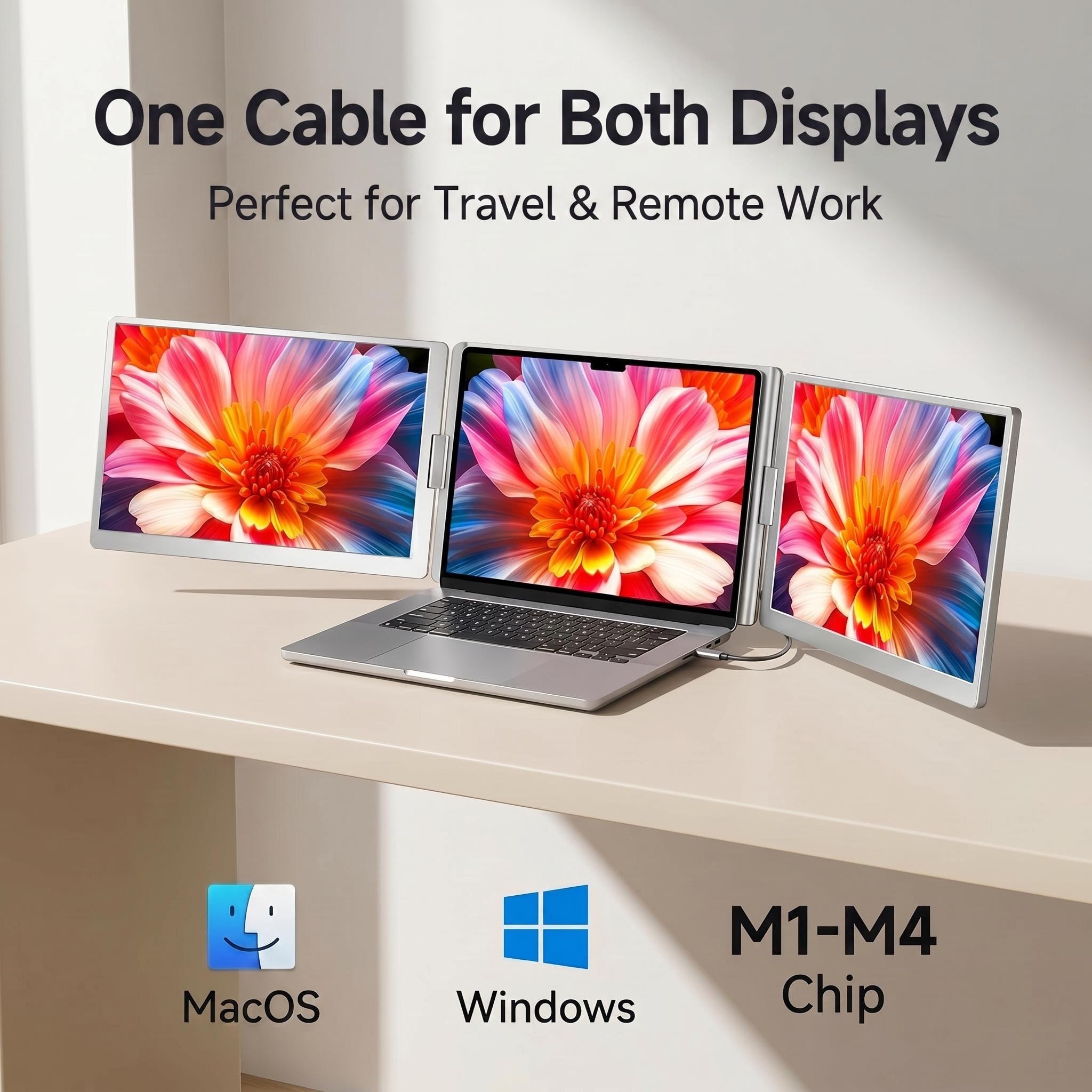
One Cable, Easy Setup--Connect quickly with a single USB-C cable. Plug & play compatibility with macOS and Windows.
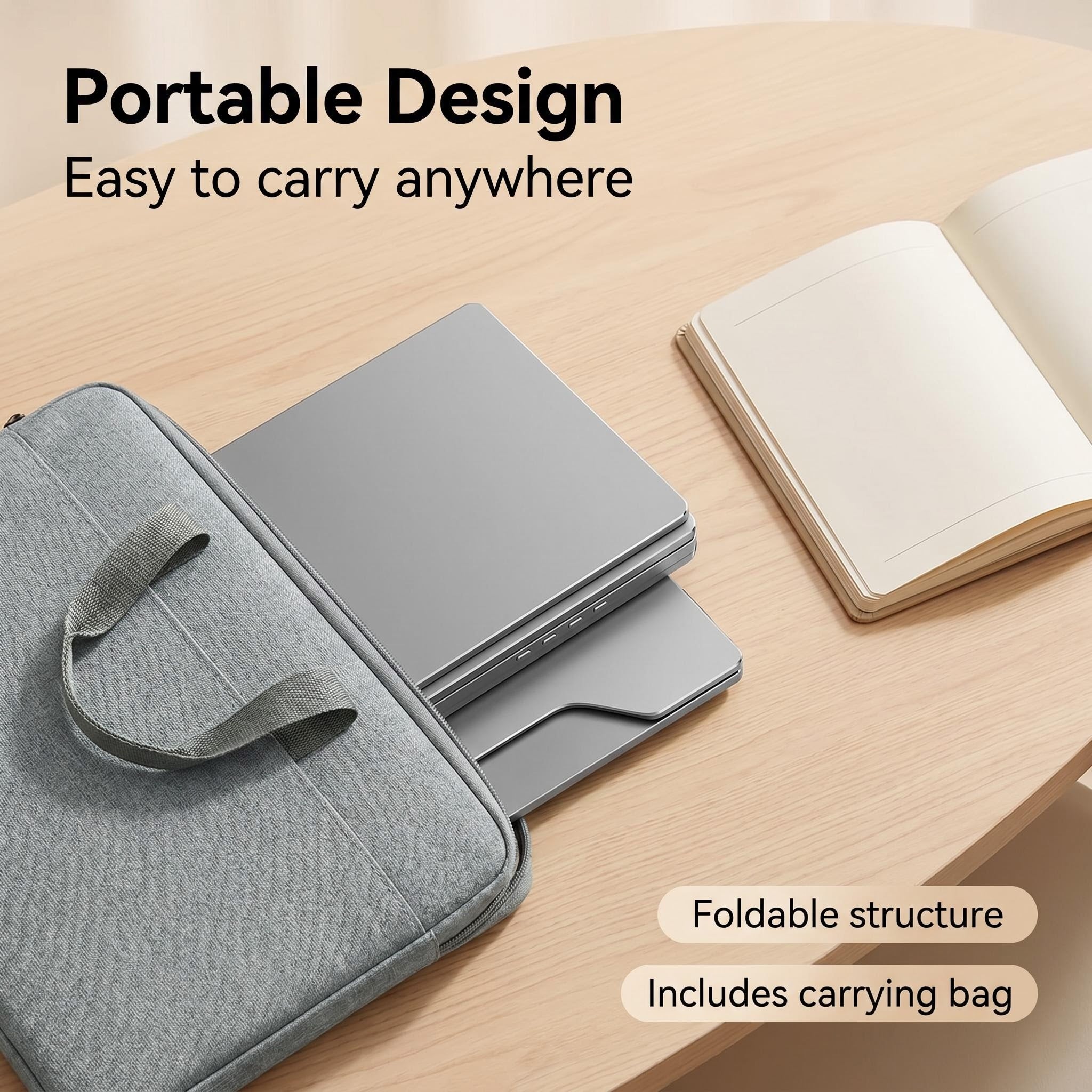
Portable Workstation Anywhere--Lightweight and foldable design makes it ideal for business trips, remote work, coffee shops, and travel.
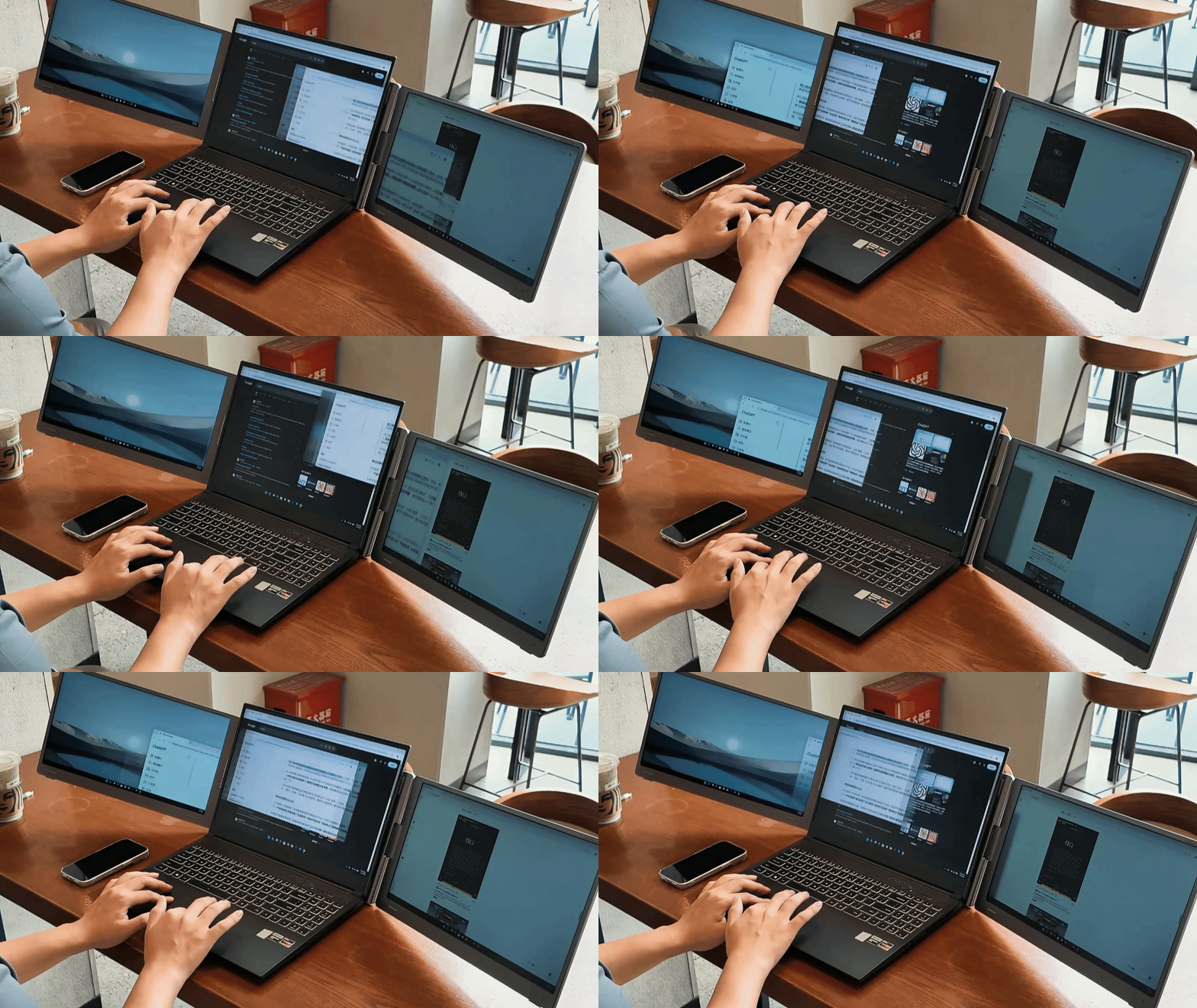
Effortlessly handle multiple tasks at once. No more switching between tabs and windows. One Cable Powers Both Screens. Compatible with macOS and Windows.
Effortlessly handle multiple tasks at once. No more switching between tabs and windows. One Cable Powers Both Screens. Compatible with macOS and Windows.
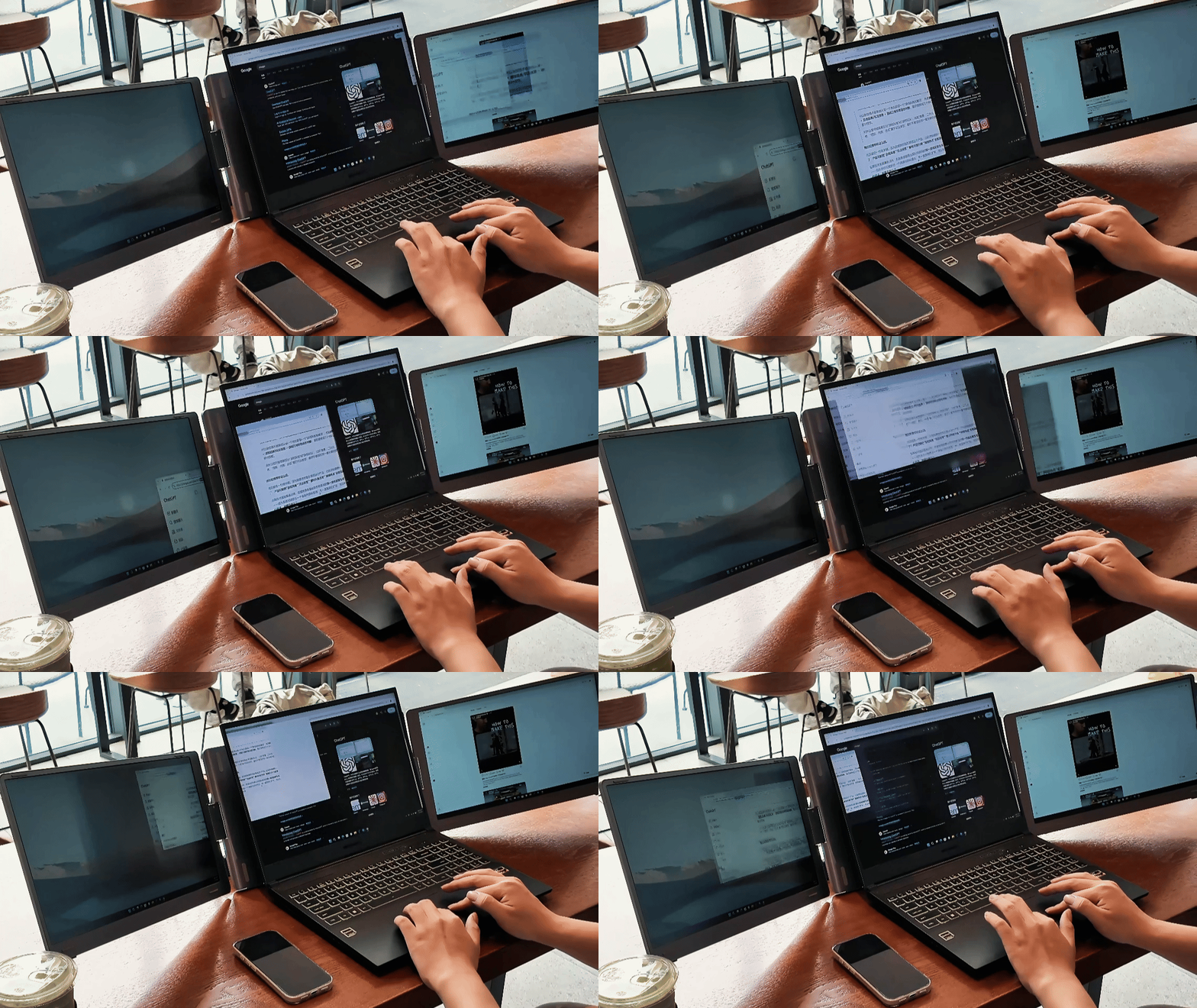
Activate Eye-Care Mode to optimize color temperature and reduce exposure to potentially harmful blue light. Whether you're reading, editing documents, or working in low-light environments, Eye-Care Mode helps minimize eye strain and keeps your eyes comfortable throughout the day.
Activate Eye-Care Mode to optimize color temperature and reduce exposure to potentially harmful blue light. Whether you're reading, editing documents, or working in low-light environments, Eye-Care Mode helps minimize eye strain and keeps your eyes comfortable throughout the day.
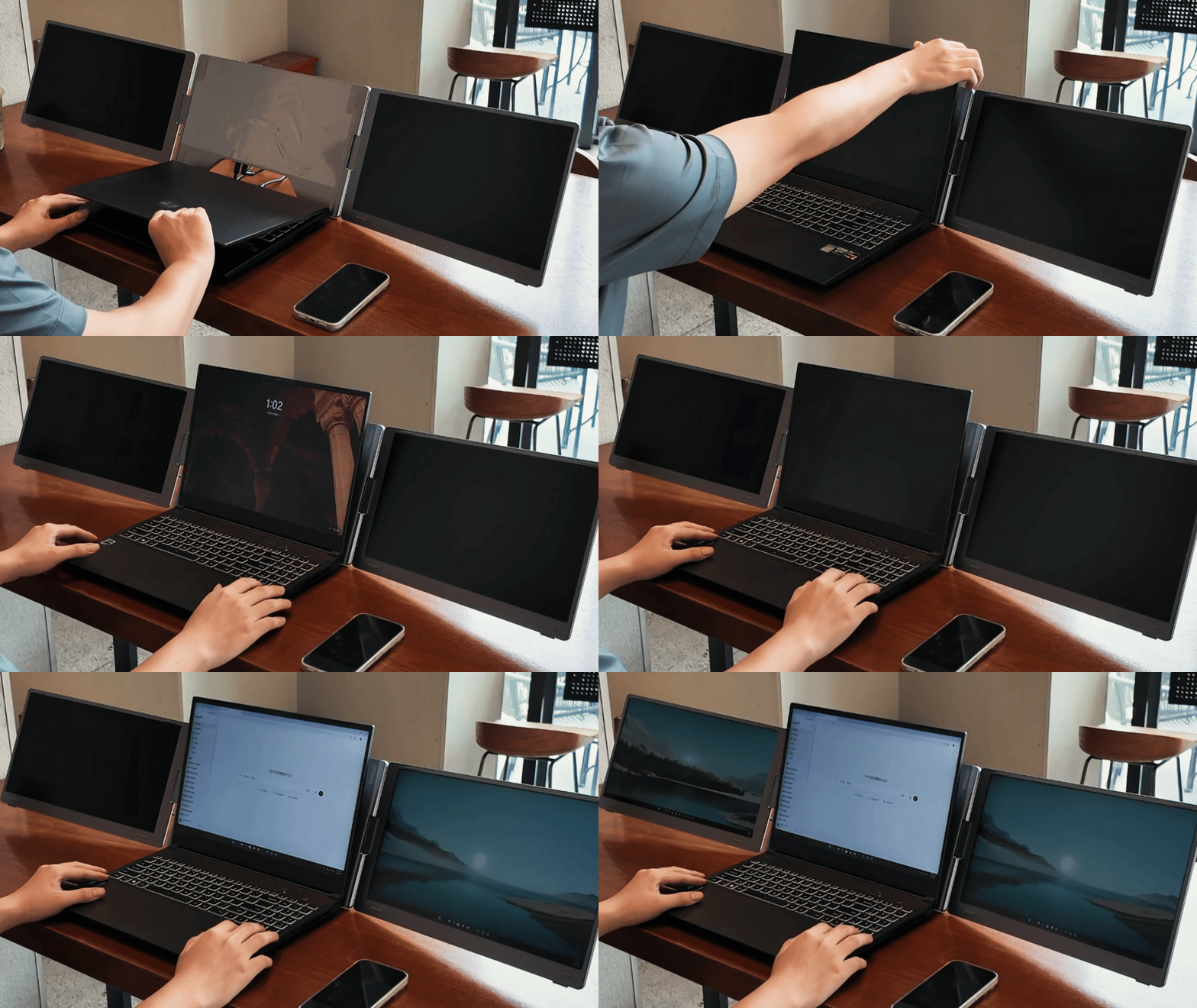
Featuring a foldable and portable design, this laptop workstation goes wherever you go. Set up your multi-screen workspace in seconds, whether at home, in the office, or while traveling.
Featuring a foldable and portable design, this laptop workstation goes wherever you go. Set up your multi-screen workspace in seconds, whether at home, in the office, or while traveling.
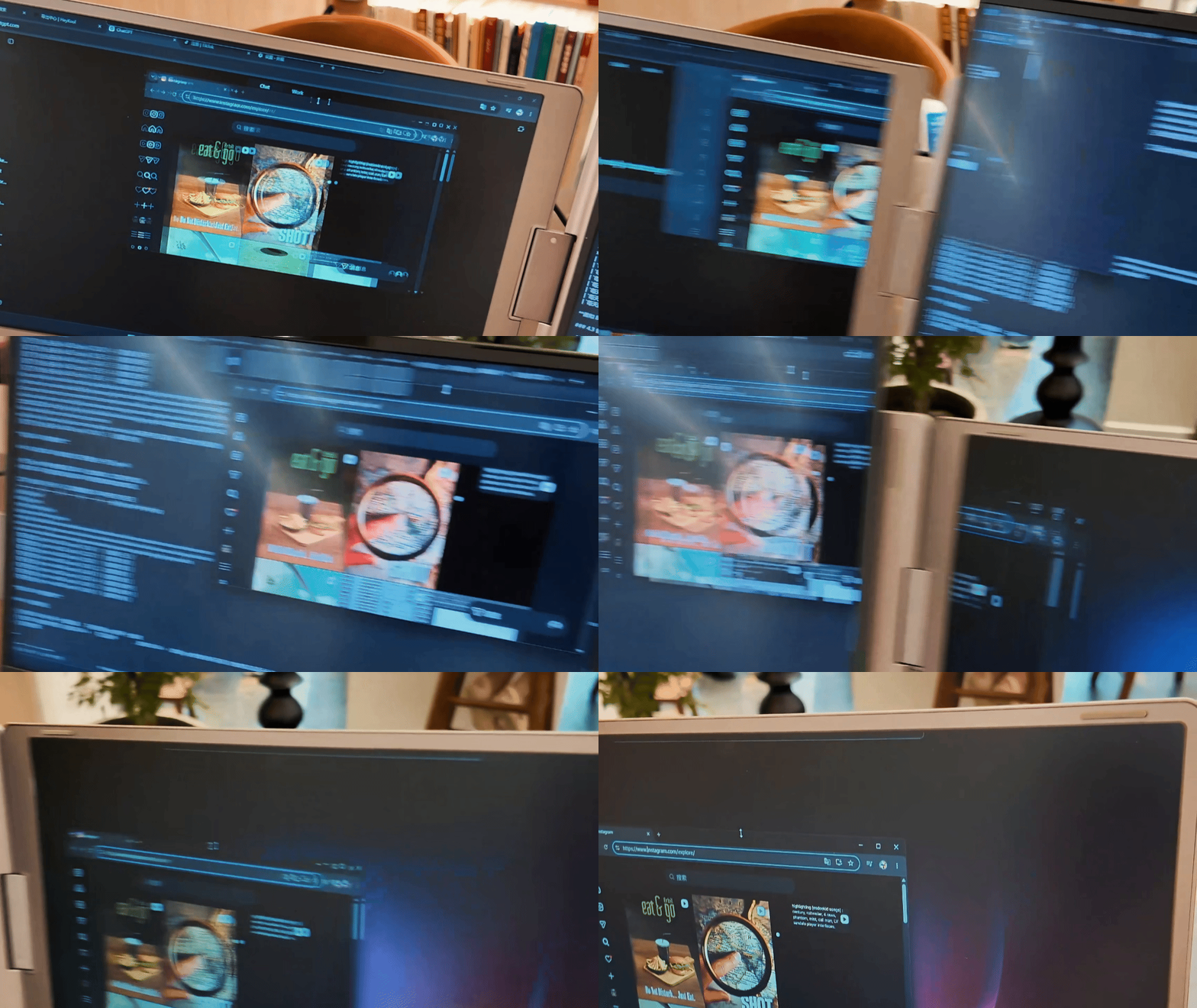
Easily move windows and applications between displays with a simple drag and drop. Stay organized and enjoy a more fluid multitasking workflow.
Easily move windows and applications between displays with a simple drag and drop. Stay organized and enjoy a more fluid multitasking workflow.

Expand Your Vision. Empower Your Productivity.

Set up quickly and work confidently wherever you are
Product specification
Know More About the Tri Screen Pro.
10"-20" Windows or Mac laptop
60 Hertz
16 inches
Full HD(1920×1080)
5 pounds
PC ABS Plastic/Aluminum
350 nits (adjustable)
FREQUENTLY ASKED QUESTIONS
Will the Flexpire Tri-screen be compatible with my laptop?
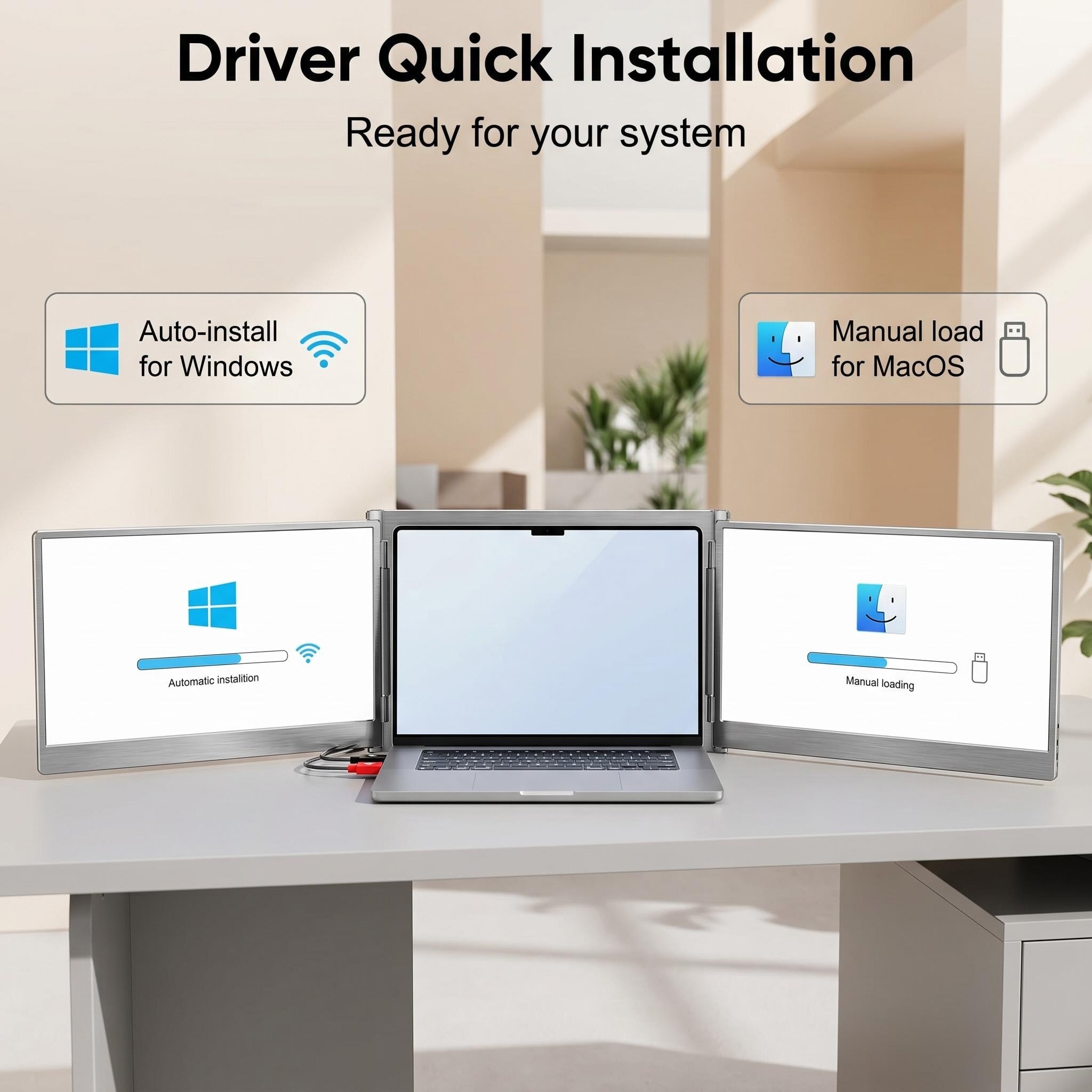
Absolutely! To unlock the full potential of your quad-monitor setup, a simple driver installation is required:
- Windows 10 / 11: Usually, it’s "plug and play." If you are connected to the internet, your system should automatically handle the driver installation upon connection.
- macOS: Manual installation is required for Mac users. You can find the driver on the included USB drive or download it directly from the link below.
Does Flexpire ship to my location?
Yes! We offer complimentary worldwide shipping via premium carriers like FedEx and DHL, ensuring your Gemscreen arrives safely no matter where you are.
How do I connect the Flexpire Tri-screen to my device?
Setting up is seamless. You have two primary connection paths:
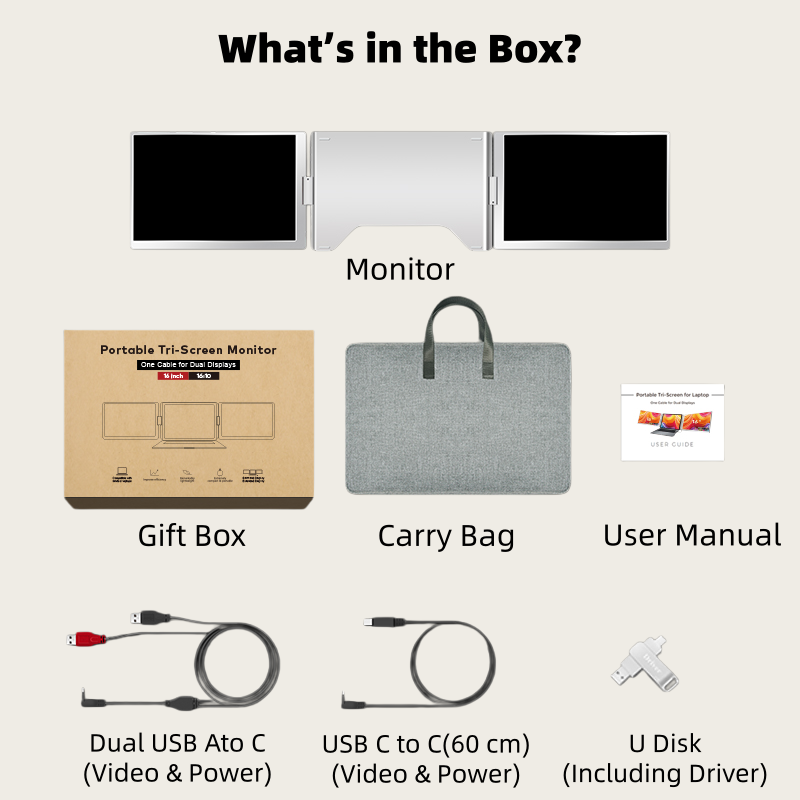
- Option 1: Use a single USB-C to USB-C cable for a streamlined setup.
- Option 2: Use two USB-A to USB-C cables if your laptop requires alternative port usage.
What are the warranty and return terms?
We want you to shop with confidence. The Flexpire Gemscreen is backed by:
- 30-Day Return Policy: Not the right fit? Return it within 30 days.
- 1-Year Warranty: We stand by our build quality with a full year of hardware protection.
Who is this designed for?
The Tri-screen Pro is the ultimate productivity hack for high-performers. Whether you are a software developer, day trader, creative blogger, or engineer, this setup is designed to eliminate the friction of switching tabs and boost your daily efficiency.
How portable is the Tri-screen Pro?
Despite its expansive screen real estate, the Tri-screen Pro is built for the move. It features a 16-inch display and weighs only 2.5KG, making it slim enough to slide into your backpack for business trips or remote work sessions at a cafe.