
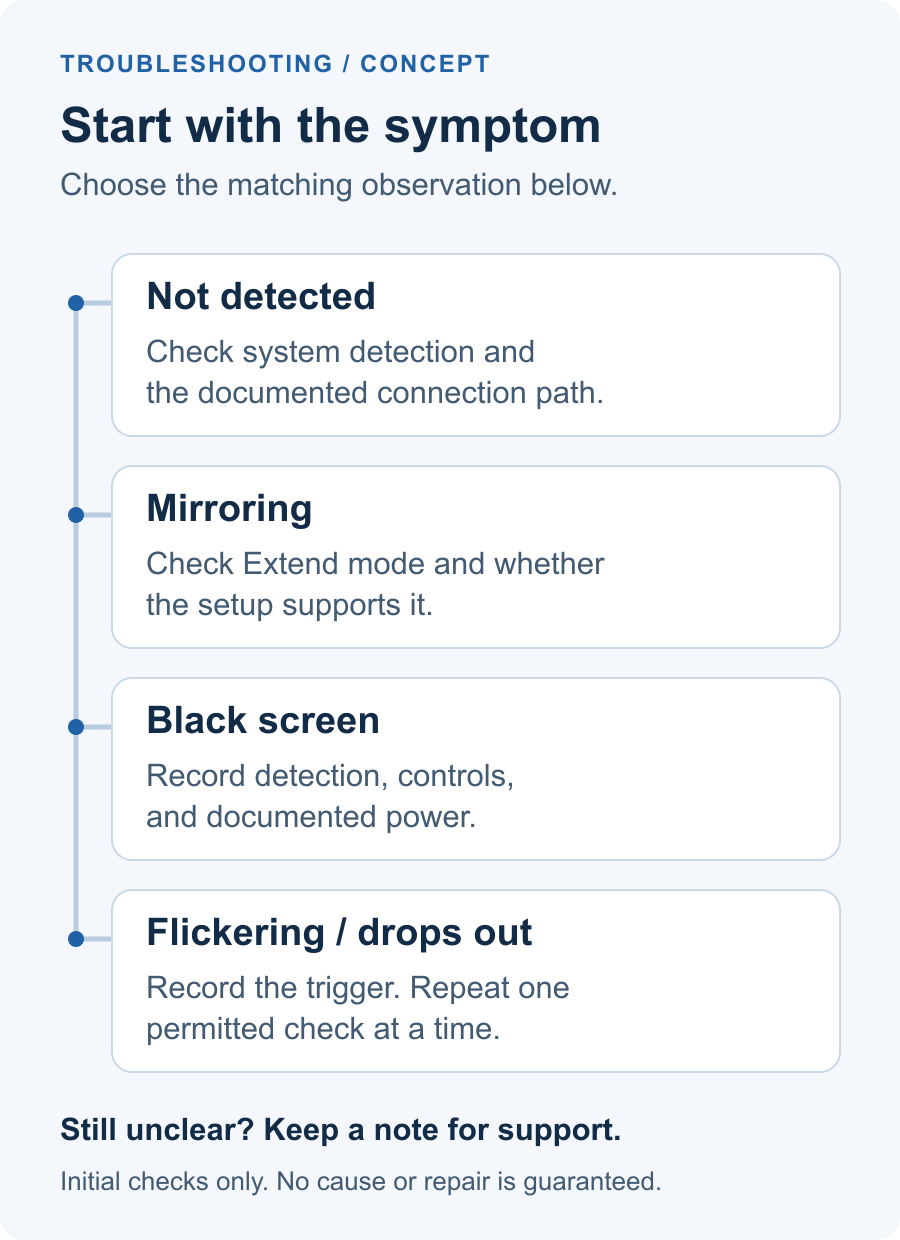
Laptop Screen Extender Not Working? Start with the Symptom
Separate not-detected, mirroring, black-screen, and flickering symptoms. Follow the applicable initial checks, record one change at a time, and prepare a product-specific note for support.

HDMI Laptop to a USB-C Portable Monitor: Choose the Right Conversion Direction
Compare the direction you need with two documented cable and converter examples. Record the display-input type and separate converter-power and display-power conditions before continuing setup checks.

HDMI Splitter vs MST Hub vs USB Graphics: What to Check Before Buying
Read splitter, MST hub, and USB graphics claims through exact-model evidence. Match host, operating-system, display-mode, and software conditions before making a limited purchase decision.

Stacked Monitors vs Side-by-Side: A Practical Guide for Laptop Workspaces
Choose a monitor layout around your work, desk space, and laptop. Compare stacked and side-by-side arrangements with a practical fit checklist.

Portable Monitor vs Laptop Screen Extender: Which Fits Your Workday?
Compare a portable monitor and laptop screen extender by useful work areas, desk space, packed weight, power and total cost before choosing your setup.

MacBook Air Screen Extender: What to Check Before Buying
Choosing a MacBook Air screen extender? Check M1–M5 native display limits, software, charging and your exact laptop setup before choosing extra screens.