
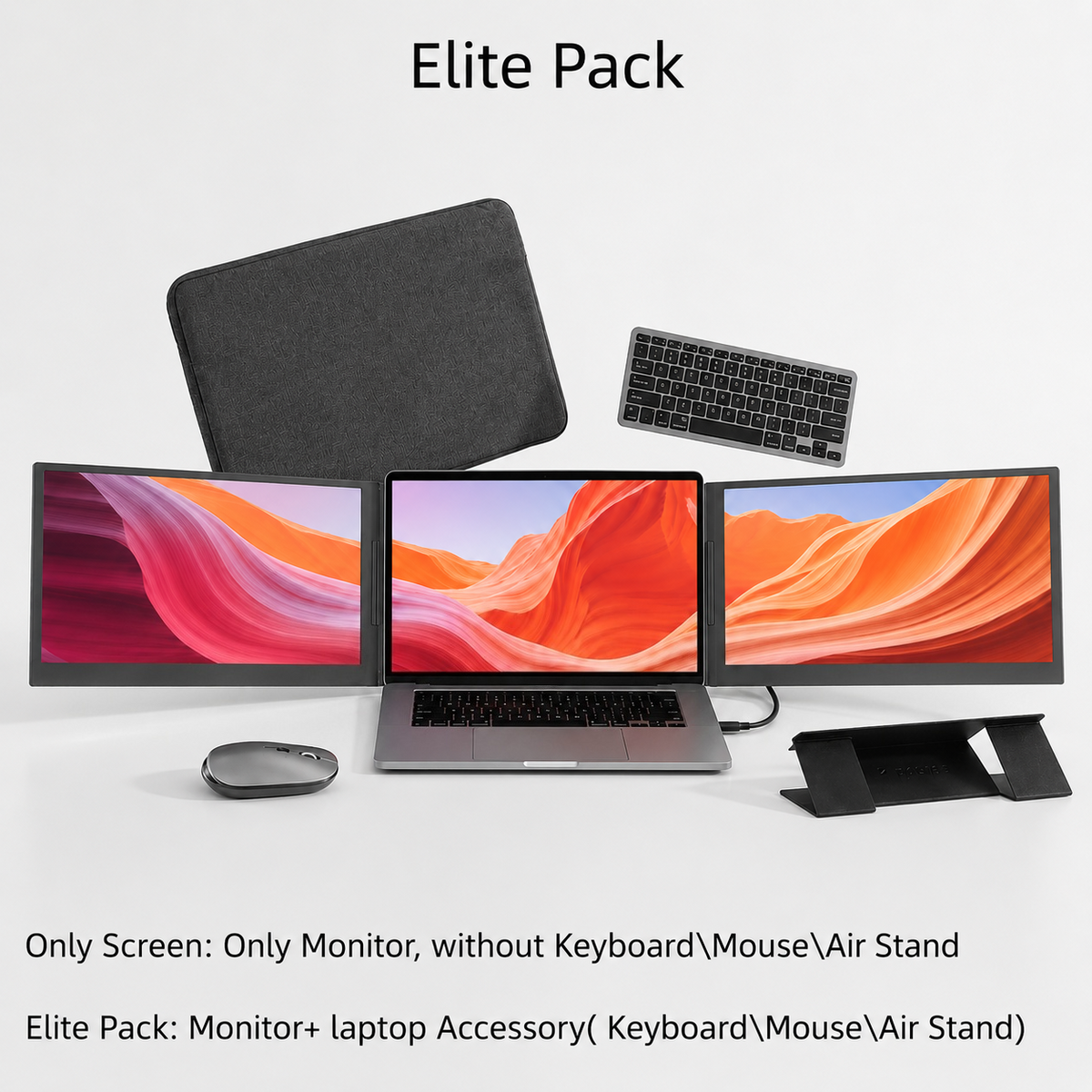
Short content about your shipping rates or discounts.
Flexpire Tri-screen Pro ノートパソコン画面拡張器
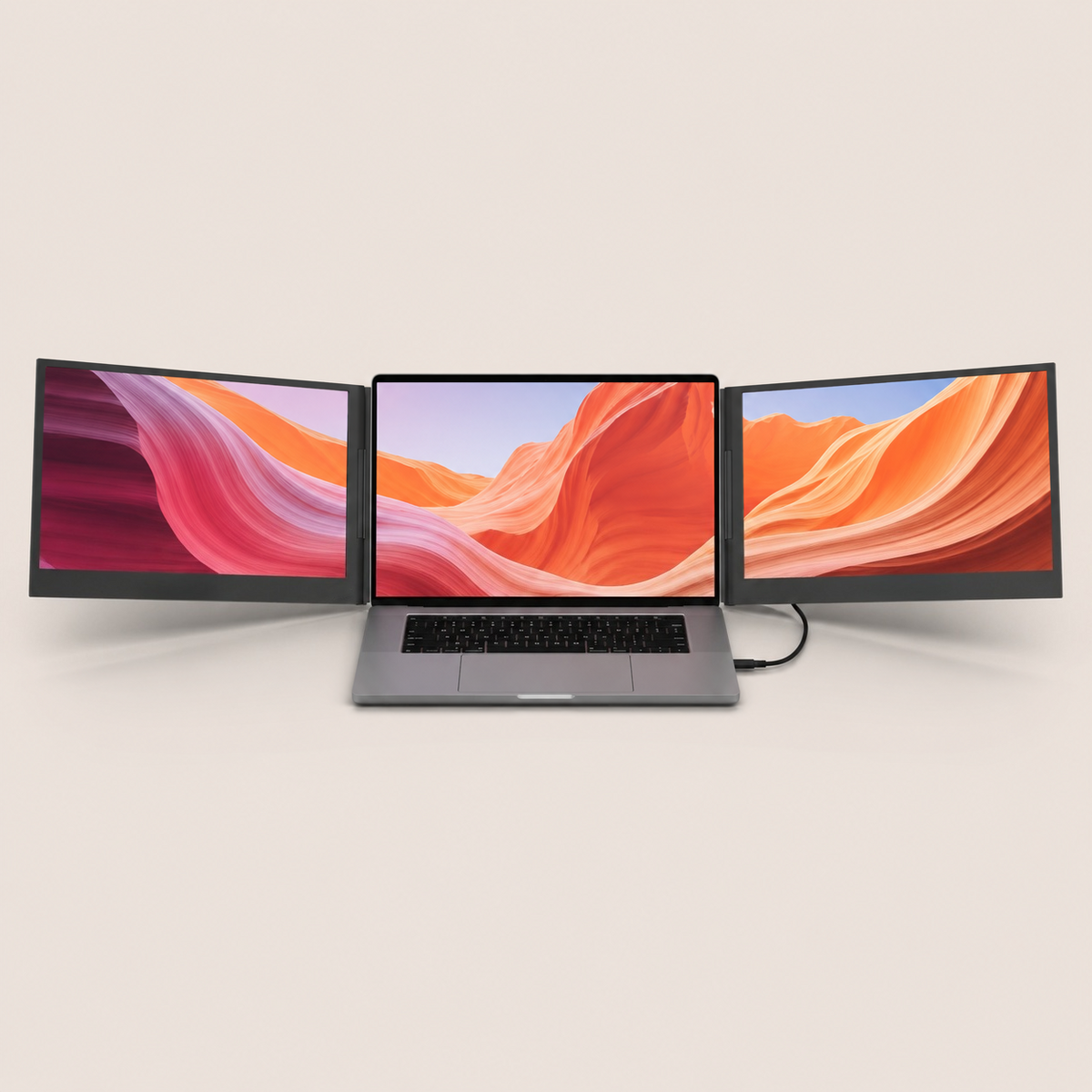
Flexpire Triple Premium 16-Inch Laptop Screen Extender with Dual IPS Displays, One-Cable USB-C Setup, Anti-Glare Screens, 360° Rotation & Portable Professional Workstation for MacOS and Windows
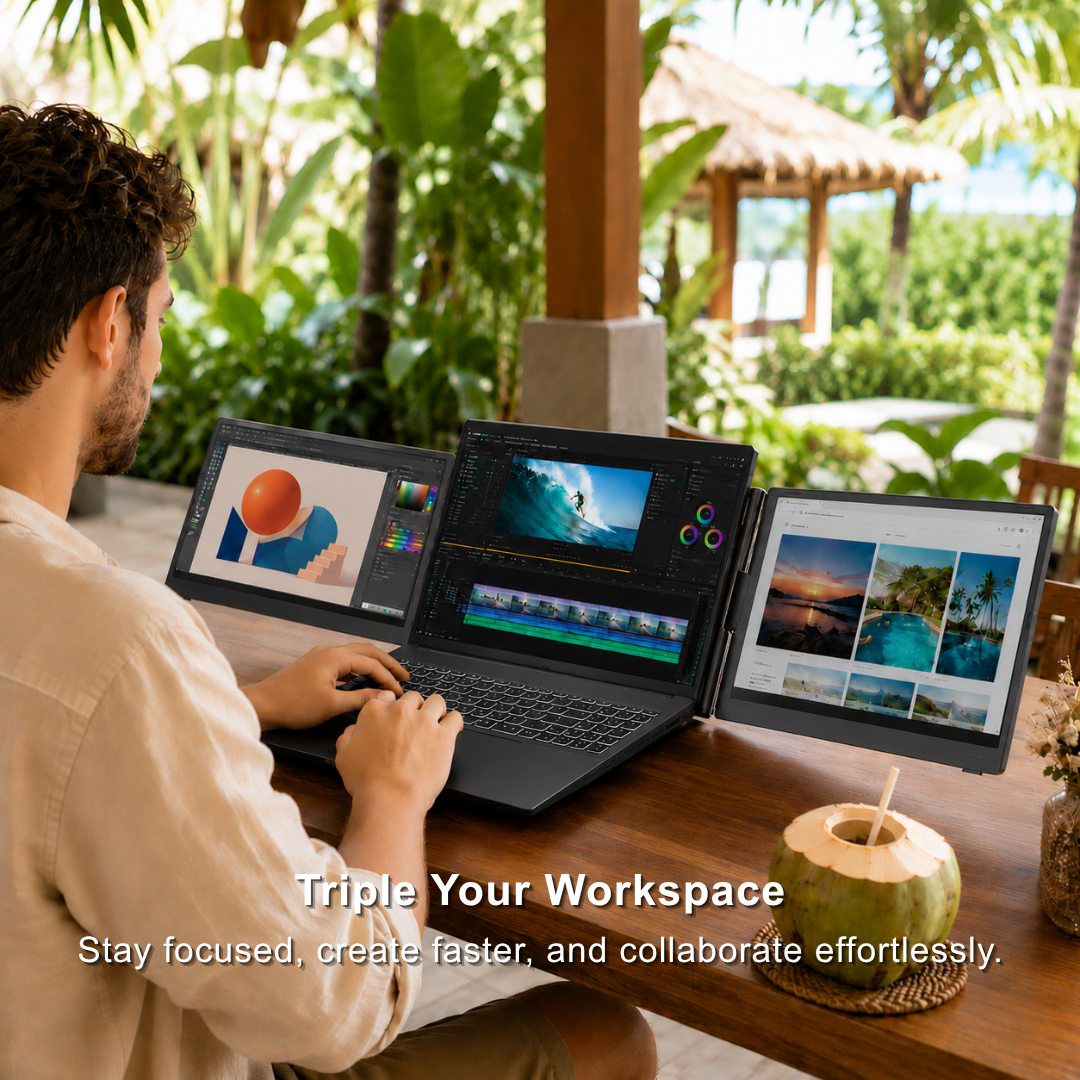
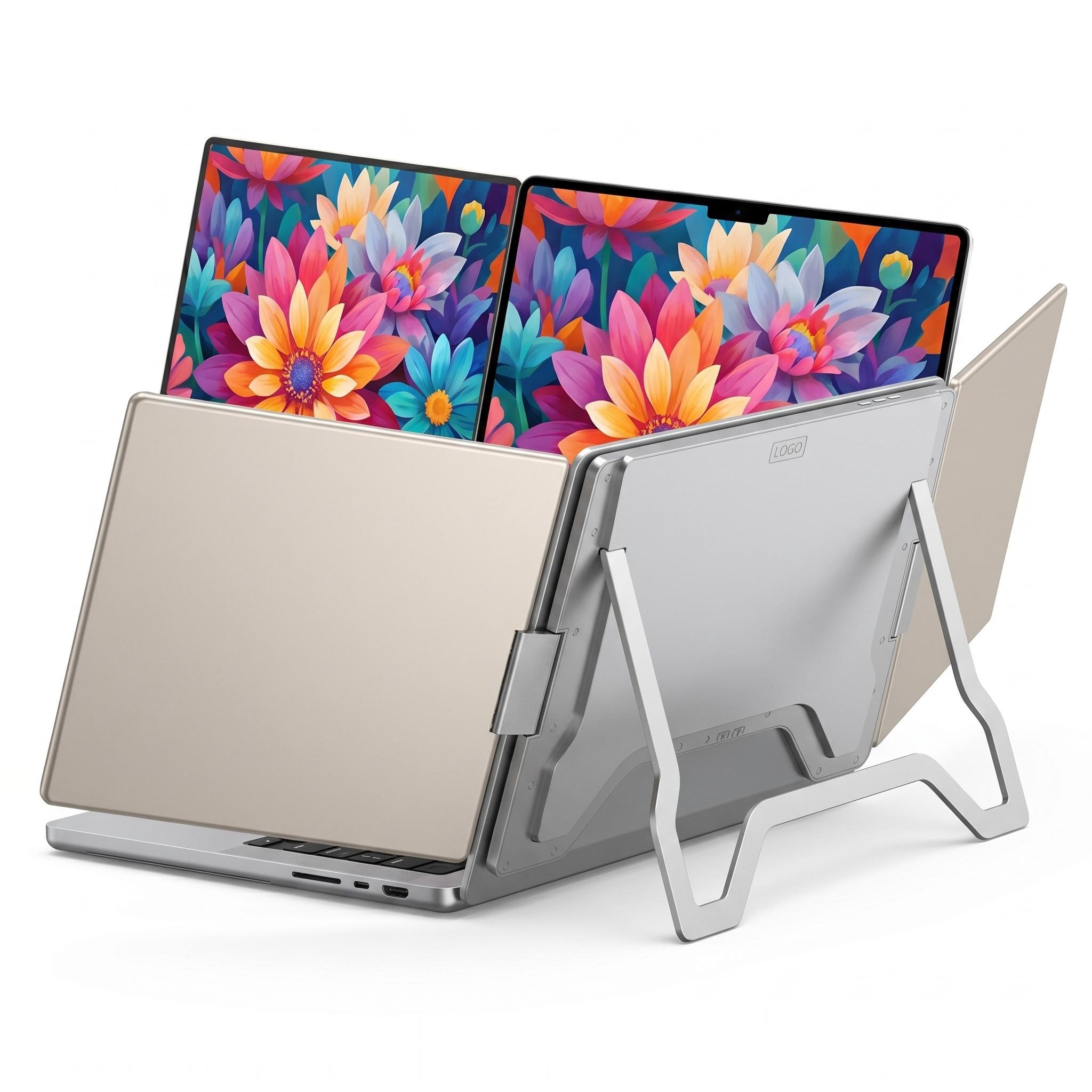
Triple Your Workspace--Expand your laptop into a triple-screen setup and handle multiple tasks without constantly switching between tabs.
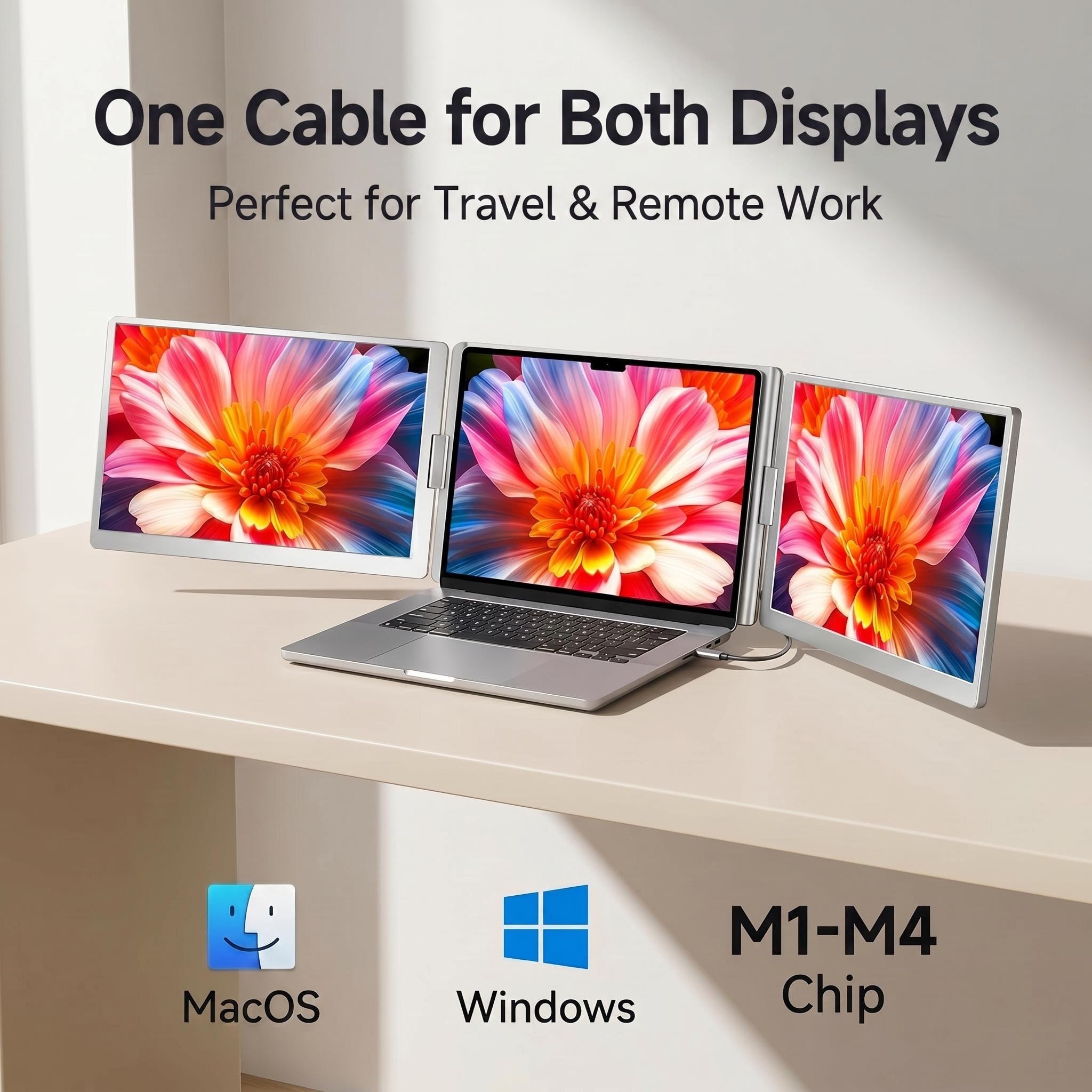
One Cable, Easy Setup--Connect quickly with a single USB-C cable. Plug & play compatibility with macOS and Windows.
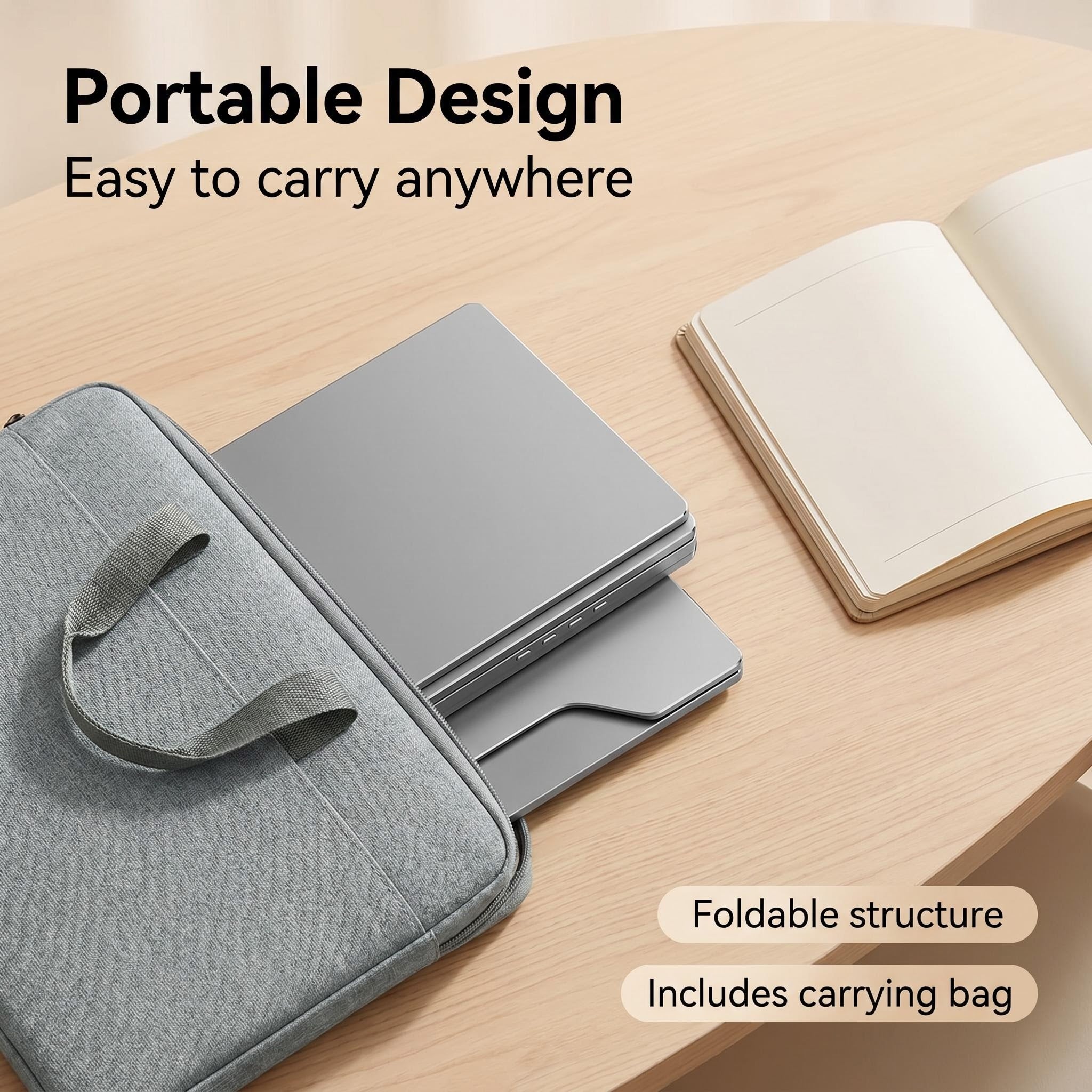
Portable Workstation Anywhere--Lightweight and foldable design makes it ideal for business trips, remote work, coffee shops, and travel.
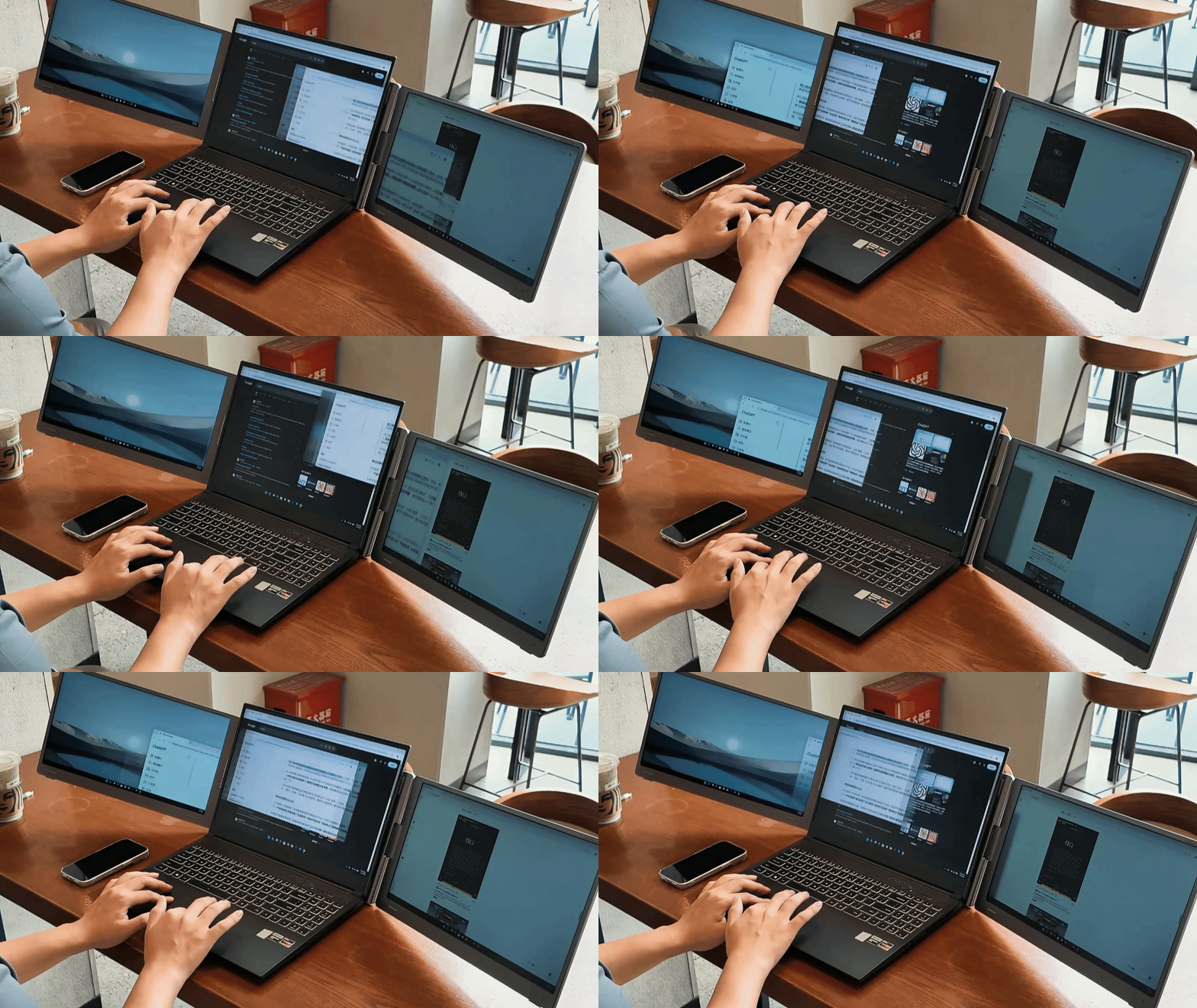
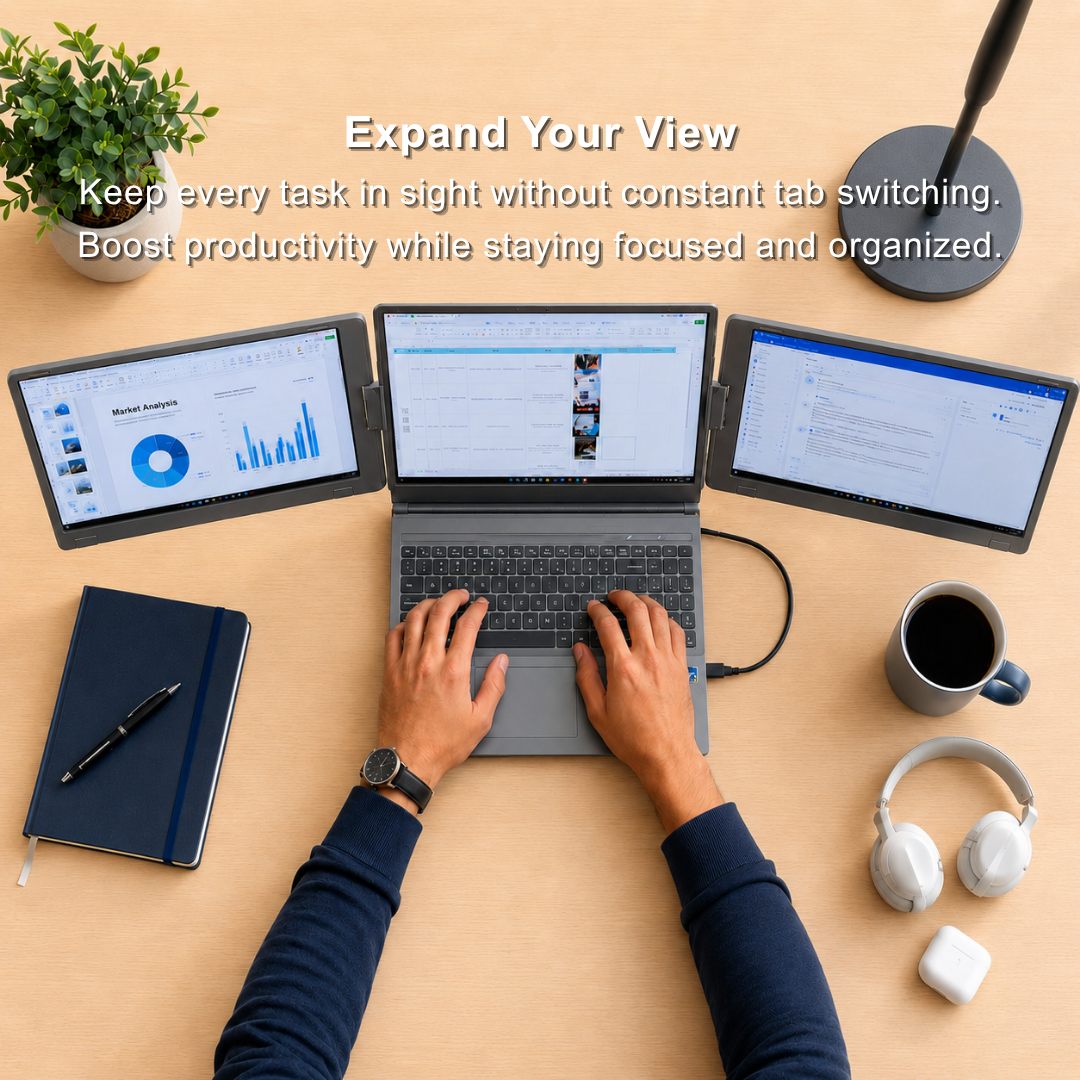
Effortlessly handle multiple tasks at once. No more switching between tabs and windows. One Cable Powers Both Screens. Compatible with macOS and Windows.
Effortlessly handle multiple tasks at once. No more switching between tabs and windows. One Cable Powers Both Screens. Compatible with macOS and Windows.
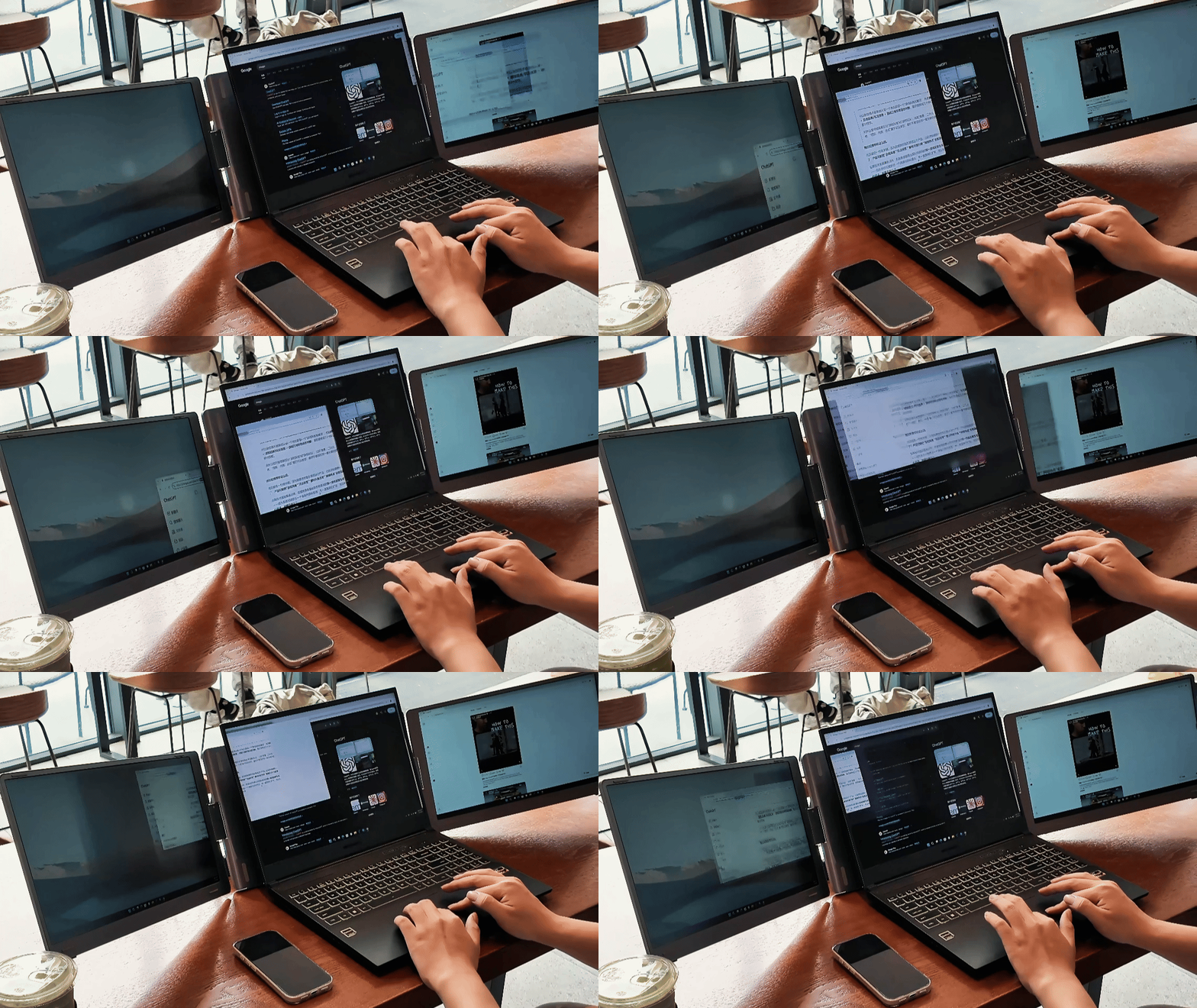
Activate Eye-Care Mode to optimize color temperature and reduce exposure to potentially harmful blue light. Whether you're reading, editing documents, or working in low-light environments, Eye-Care Mode helps minimize eye strain and keeps your eyes comfortable throughout the day.
Activate Eye-Care Mode to optimize color temperature and reduce exposure to potentially harmful blue light. Whether you're reading, editing documents, or working in low-light environments, Eye-Care Mode helps minimize eye strain and keeps your eyes comfortable throughout the day.
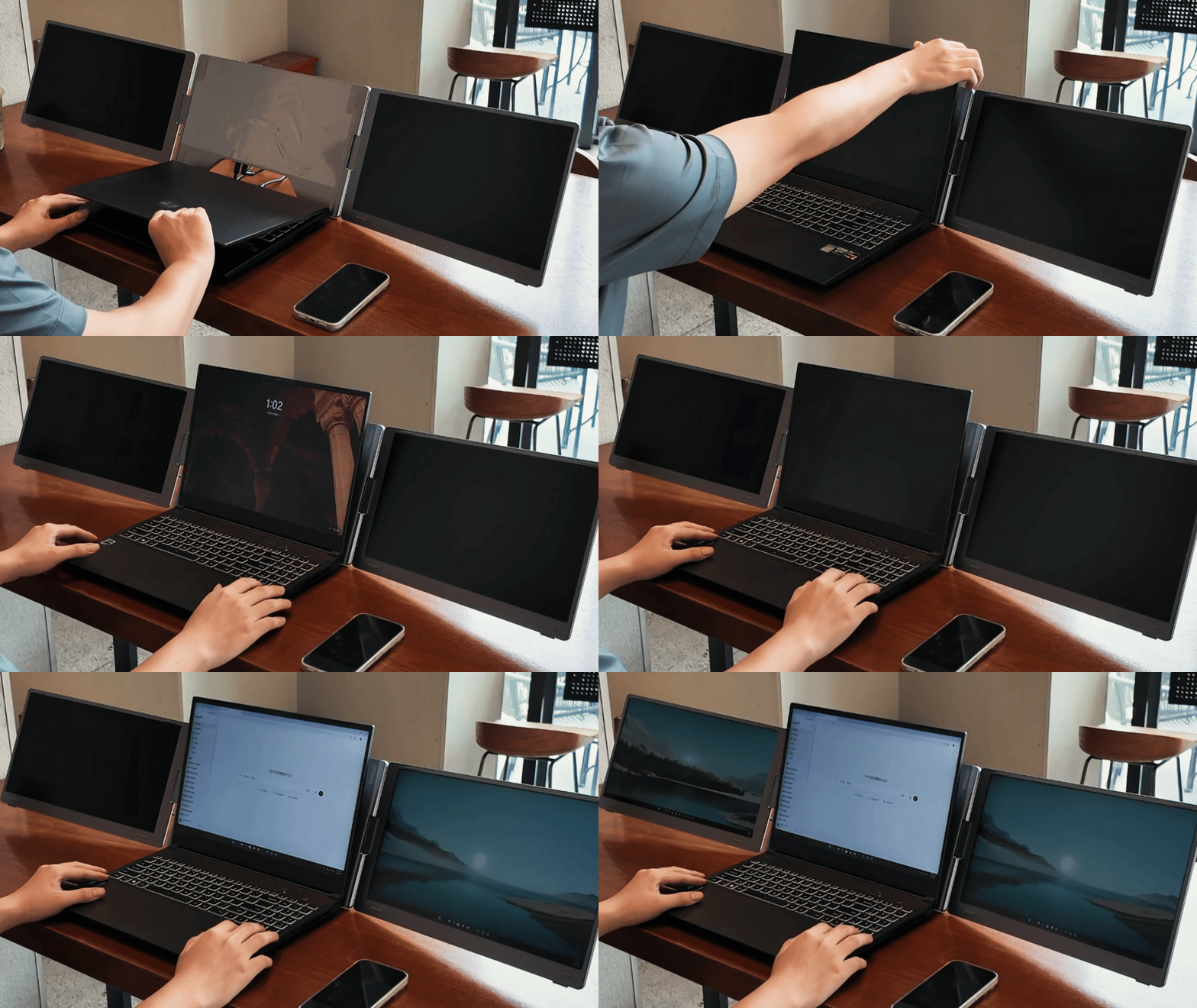
Featuring a foldable and portable design, this laptop workstation goes wherever you go. Set up your multi-screen workspace in seconds, whether at home, in the office, or while traveling.
Featuring a foldable and portable design, this laptop workstation goes wherever you go. Set up your multi-screen workspace in seconds, whether at home, in the office, or while traveling.
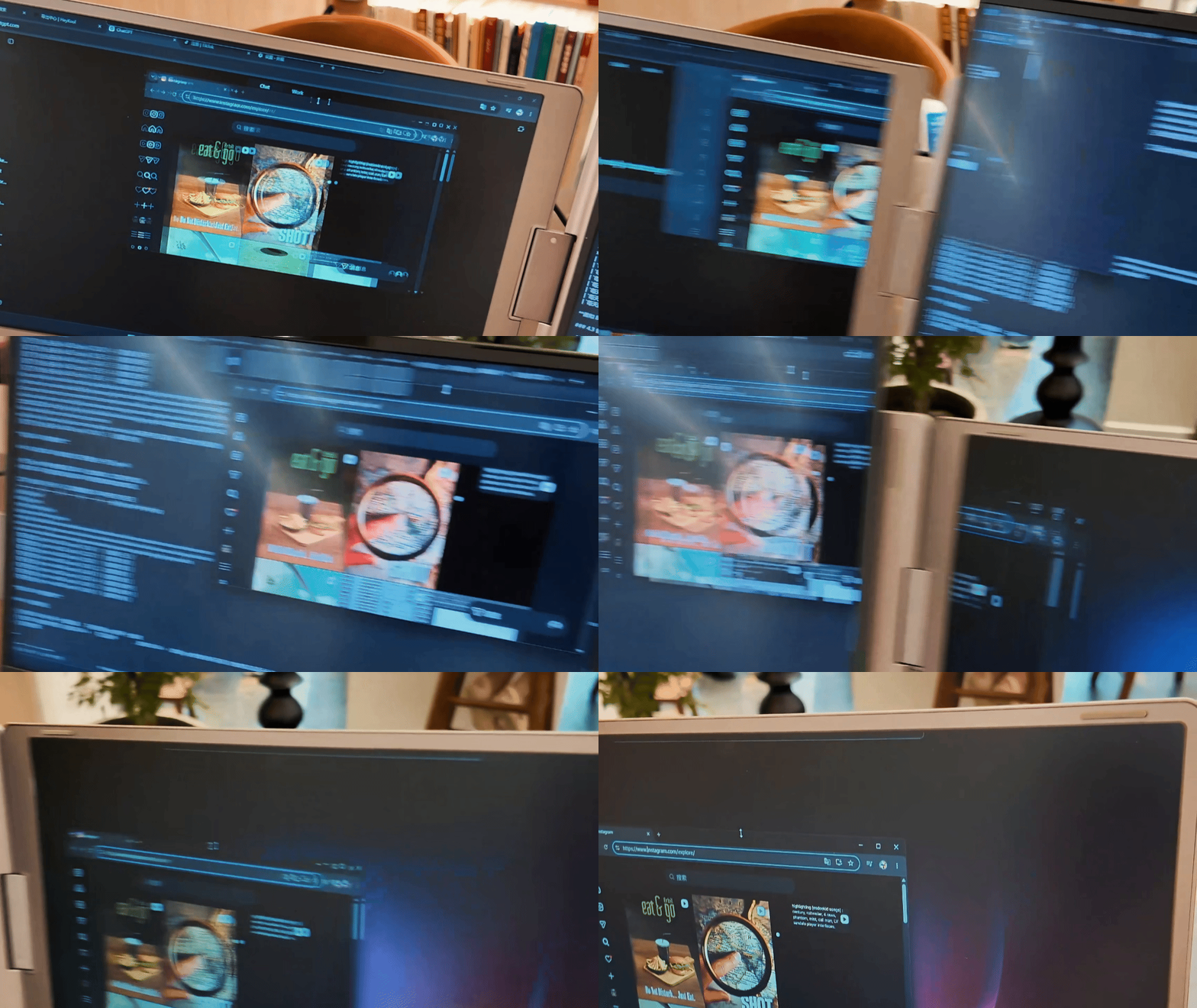
Easily move windows and applications between displays with a simple drag and drop. Stay organized and enjoy a more fluid multitasking workflow.
Easily move windows and applications between displays with a simple drag and drop. Stay organized and enjoy a more fluid multitasking workflow.

Expand Your Vision. Empower Your Productivity.

Set up quickly and work confidently wherever you are
製品仕様
Know More About the Tri Screen Pro.
10インチ~20インチのWindowsまたはMacノートパソコン
60ヘルツ
15.6インチ
フルHD(1920×1080)
5ポンド
PC ABSプラスチック/アルミニウム
350ニット(調整可能)
よくある質問
Flexpireトリスクリーンは私のノートパソコンと互換性がありますか?
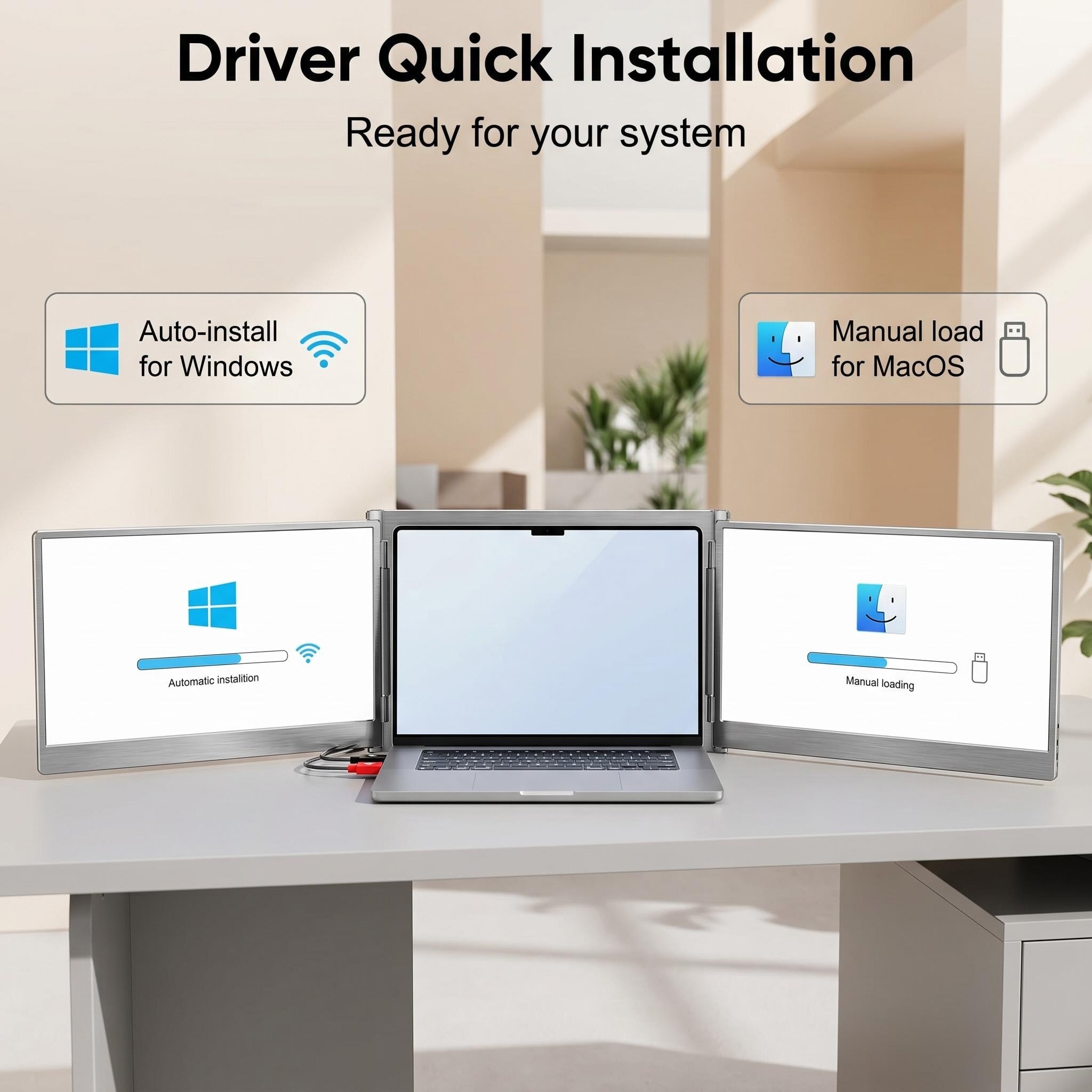
もちろんです!クアッドモニターのセットアップの最大限の性能を引き出すには、簡単なドライバーのインストールが必要です:
- Windows 10 / 11:通常は「プラグアンドプレイ」です。インターネットに接続されていれば、接続時にシステムが自動的にドライバーのインストールを行います。
- macOS:Macユーザーは手動でのインストールが必要です。付属のUSBドライブからドライバーを入手するか、以下のリンクから直接ダウンロードできます。
Flexpireは私の地域に配送していますか?
はい!FedExやDHLなどのプレミアムキャリアを利用した無料の世界配送を提供しており、どこにいてもGemscreenを安全にお届けします。
Flexpireトリスクリーンをデバイスに接続するにはどうすればいいですか?
設定はシームレスです。接続方法は主に2つあります:
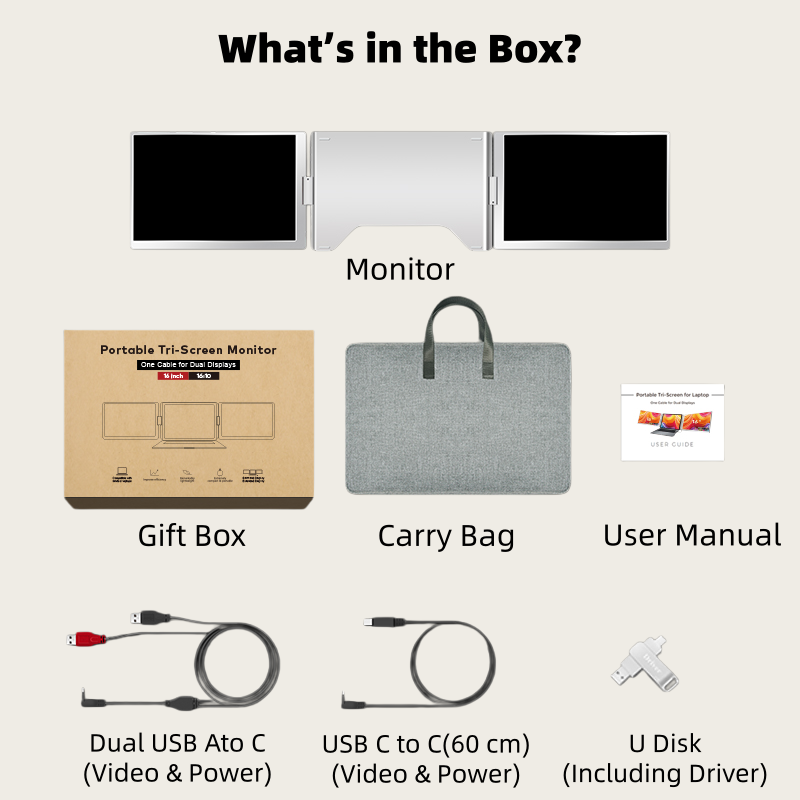
- オプション1: シンプルなセットアップのために、USB-C to USB-Cケーブルを1本使用します。
- オプション2: ノートパソコンが別のポートを必要とする場合は、USB-A to USB-Cケーブルを2本使用します。
保証および返品条件は何ですか?
安心してお買い物いただけるように、Flexpire Gemscreenは以下のサポートが付いています:
- 30日間返品ポリシー:合わない場合は30日以内に返品可能です。
- 1年間保証:ハードウェアの品質に自信があり、1年間の完全保証を提供します。
Gemscreenは誰のために設計されていますか?
Gemscreenはハイパフォーマーのための究極の生産性向上ツールです。ソフトウェア開発者、デイトレーダー、クリエイティブブロガー、エンジニアのいずれであっても、このセットアップはタブの切り替えによる手間をなくし、日々の効率を高めるよう設計されています。
トリスクリーンの携帯性はどのくらいですか?
広い画面スペースを持ちながらも、Gemscreenは持ち運びに適しています。15.6インチのディスプレイを搭載し、重さはわずか3ポンドで、ビジネス出張やカフェでのリモートワークにバックパックにすっぽり収まるほどスリムです。